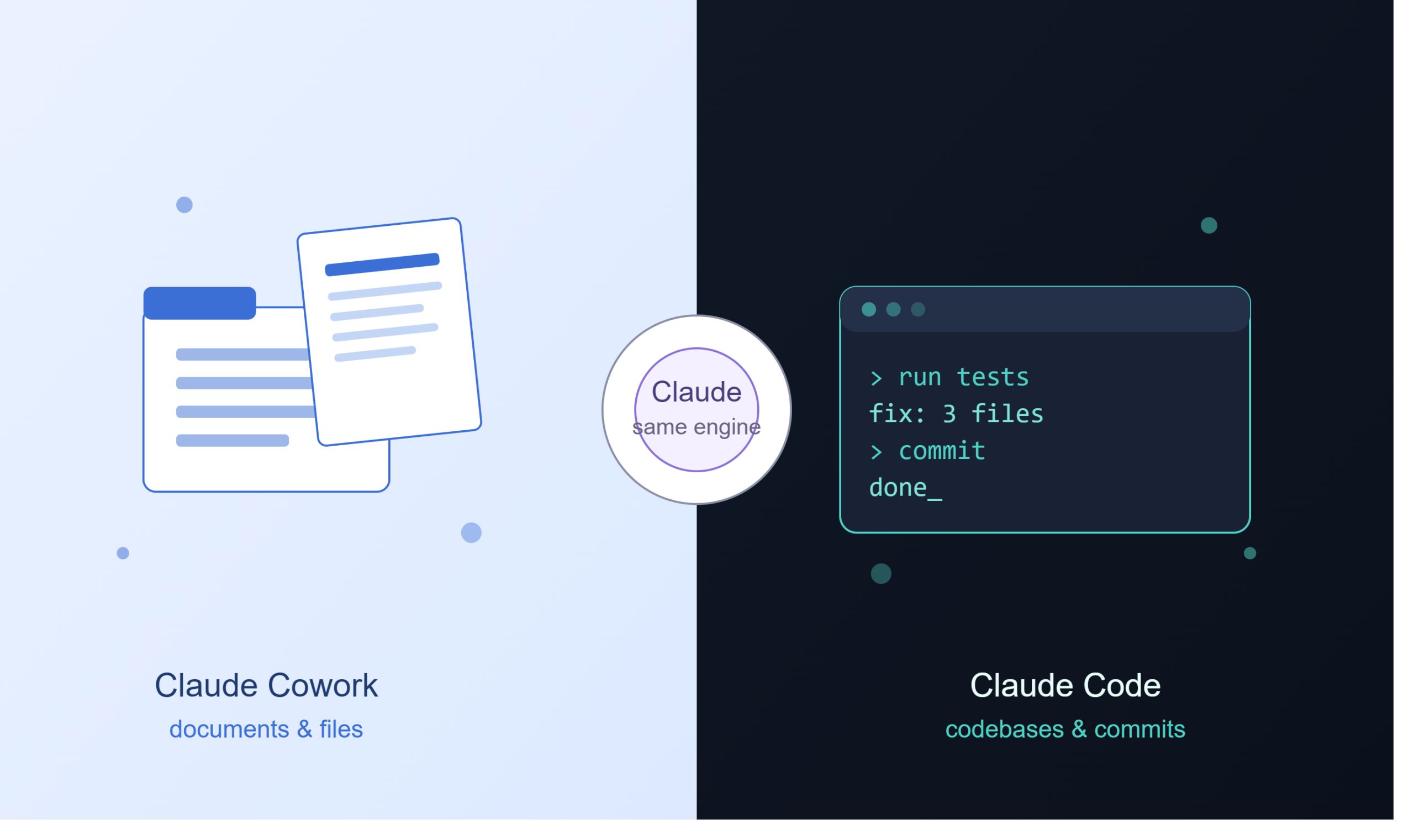
Anthropic has two agentic products that both “do work for you” instead of just chatting: Claude Cowork and Claude Code. They’re often described as “the same engine, two interfaces” — which is directionally true — but that framing glosses over real, practical differences in what each one can touch, how much control you have, and who they’re actually built for.
This version strips out unverifiable specifics (exact launch dates, customer-story numbers, precise pricing tiers) that shift often and that I can’t confirm as of this writing, and focuses on what you need to know to pick the right tool and use it safely.
A note on accuracy: Anthropic ships changes to these products frequently — pricing, platform availability, and feature sets included. Treat anything below involving numbers, dates, or “as of” claims as a snapshot that could be outdated. Before making a purchasing or workflow decision, check
support.claude.com(Claude.ai product questions) ordocs.claude.com(Claude Code / API questions) directly.
What Claude Cowork Is
Claude Cowork is an agentic knowledge-work app for non-developers, built into the Claude desktop app. Instead of a back-and-forth chat, you give it a goal — “organize this folder,” “turn these five reports into one summary,” “pull the line items out of these receipts” — and it works across your local files and connected apps to hand back a finished result.
Practically, this means:
- It works from a folder or set of files you point it at, not just from pasted text.
- It can call on other Claude tools as needed — for example Claude in Chrome (browsing), Claude in Excel (spreadsheet work), and Claude in PowerPoint (slides) — so a single Cowork task can span a browser, a spreadsheet, and a deck.
- It’s reachable remotely through the Claude mobile app, so you can kick off or check on a task without being at your desktop.
- No terminal, no config files, no setup beyond having the desktop app.
What Claude Code Is
Claude Code is Anthropic’s agentic coding tool. You describe a task, and it reads your codebase, edits files across the project, runs your tests, and can commit changes — not just autocomplete the next line.
Practically:
- It’s terminal-native by default, but also runs from the desktop app and the mobile app (for delegating and monitoring, not local editing).
- It operates at the project level: multi-file refactors, dependency tracing, running a test suite until it’s green.
- It integrates with real developer tooling (git, GitHub CLI, CI) rather than hiding that work behind a black box.
- Autonomy is adjustable — you can require approval for every action, or let it run more freely, including a read-only “plan first, then approve” mode before anything changes.
Same Underlying Model, Different Job
Both products are built on Claude and use the same core agent loop: understand the goal, break it into steps, use real tools, check the result, adjust. What separates them isn’t intelligence — it’s the surface they’re pointed at (documents and apps vs. codebases and git) and the audience (non-technical knowledge workers vs. developers).
A useful shorthand: if your task produces a document, use Cowork. If it produces code, use Claude Code.
Head-to-Head
| Claude Cowork | Claude Code | |
|---|---|---|
| Interface | Claude desktop app (Cowork tab); reachable via mobile app | Terminal, IDE, desktop app, web, mobile app |
| Primary user | Non-technical knowledge workers | Developers |
| Main surface | Local files, folders, connected apps, browser | Codebases, git, CI pipelines |
| Core job | Document synthesis, data extraction, file organization | Multi-file edits, tests, committed code |
| Setup | None beyond the desktop app | Install required for local use; web/mobile need less |
| Control model | Approve/deny at the task level; an “act without asking” mode exists but raises risk | Fine-grained: per-action approval up to autonomous, plus a read-only plan mode |
What Each One Is Actually Good At
Cowork’s strong cases
- Cleaning up a messy folder of drafts, downloads, or attachments
- Turning multiple source documents into a first-draft report
- Reading across several files or sources and returning a synthesized summary
- Pulling structured data out of unstructured documents (contracts, receipts, forms)
- Cross-application tasks that involve a browser plus a document or spreadsheet
Claude Code’s strong cases
- Tracing dependencies and getting oriented in an unfamiliar codebase
- Multi-file refactors and language migrations
- Fixing failing tests by reading the failure, editing code, and rerunning until it passes
- Anything that needs to end in a real commit, diff, or PR reviewed through normal dev workflow
If you’ve seen customer case studies quoting specific engineer-hours saved on migrations (Stripe, Wiz, Rakuten, etc.) — those are real published examples of Claude Code use, but exact figures get updated or superseded, so cite Anthropic’s current customer stories page rather than a fixed number if accuracy matters for your use.
Autonomy and Risk — The Part Worth Reading Carefully
This is the most practically important difference, and worth more attention than most comparisons give it.
Claude Code defaults to asking permission before it modifies files or runs commands. You choose how much rope to give it — from approving every single action to trusting built-in checks to gate risky operations automatically. Plan Mode lets it produce a full plan with zero file changes, for you to review before anything executes.
Claude Cowork shows its intended approach before running and asks before permanently deleting anything, and it only touches folders you’ve explicitly granted access to. But it also offers an “act without asking” mode for speed — and Anthropic’s own guidance is direct about the tradeoff: that mode meaningfully raises exposure to prompt injection, especially when Cowork is reading web content, emails, or third-party documents it didn’t write itself.
Two practical takeaways if you use Cowork:
- Don’t point it at sensitive accounts — banking, healthcare, anything with real financial or legal consequence — without direct supervision.
- Limit browser access to sites you trust, and watch task execution for anything unexpected rather than assuming it’s safe because it’s sandboxed. The sandboxing protects your machine’s filesystem and compute; it does not filter what a malicious webpage, email, or document can try to tell the agent to do.
Pricing and Platform — What’s Actually Stable vs. What Changes Fast
The stable part: both tools are accessed through the same kinds of Anthropic subscription plans (Claude.ai Pro/Max/Team/Enterprise), and Claude Code can also be billed through the API for automated or high-volume use rather than a flat subscription.
The part that changes fast and that you should verify directly rather than trust from any article (including this one): which specific plan tiers unlock which features, exact dollar pricing, and platform availability (macOS vs. Windows, etc.). These have moved before and will likely move again. Check support.claude.com for current plan details.
One thing worth knowing regardless of pricing tier: agentic tasks (both tools) consume usage faster than a normal chat conversation, because the agent is running multiple tool calls and sometimes sub-tasks to get to a finished result. If you’re on a metered plan, budget for that.
Decision Guide
| If your task is… | Use |
|---|---|
| Organizing or deduplicating files | Cowork |
| A multi-file code refactor | Claude Code |
| Drafting a report from scattered documents | Cowork |
| Fixing failing CI tests | Claude Code |
| Extracting data from contracts/receipts | Cowork |
| Migrating a codebase to another language | Claude Code |
| Browser + document automation | Cowork |
| Getting oriented in a new codebase | Claude Code |
Choose Cowork if: you don’t use a terminal, your output is a document/spreadsheet/deck rather than code, and you want the assembly work done so you can focus on judgment calls.
Choose Claude Code if: you write or maintain software, your tasks need to end in a reviewable diff or commit, and you want fine-grained control over what actually gets changed.
Bottom Line
Both tools run the same underlying agent. The real decision isn’t about capability — it’s about surface (files/apps vs. codebases) and control model (coarse task-level approval vs. fine-grained per-action gating). Pick based on where your work actually lives, be deliberate about autonomy settings on either tool, and verify pricing/availability specifics directly with Anthropic before they factor into a real decision — those details move faster than any comparison article can keep up with.